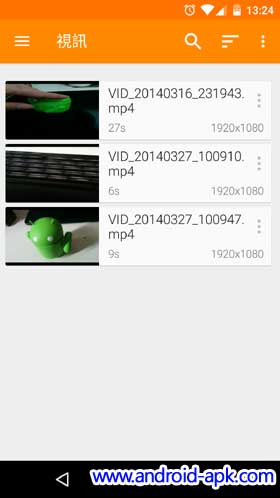
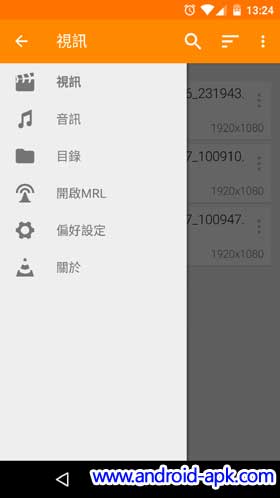
VLC for Android 早前推出了 v1.3.2 更新,除了在界面外觀上修改外,亦增加了一個很實用的功能 Background Video Playback 背景影片播放。
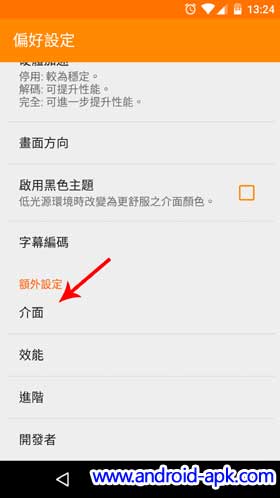
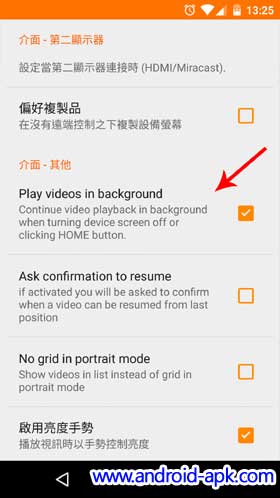
Background Video Playback 也就是在屏幕關掉下,影片還會繼續保持播放。要啟用這項功能,要先進行簡單設定。在 “徧好設定 > 介面” 內,勾選 “Play Videos in Background” 就可以。
除了這個新功能外,介面上亦有一些改進,Side bar, Audio Player, Album View 都有改動。
There is a new look in the audio player, in the side bar, a new Album View, an improved search behavior, more Lollipop effects, a simplified the video player controller and a new file browser.