跳至主要內容
Android-APK 新聞資訊網站
  • 新聞資訊
    • Google
    • Samsung
    • LG
    • Asus
    • HTC
    • Sony
    • Motorola
    • Nokia
    • 其他
  • AI 人工智能
  • Tablet 平板
  • Wear OS 手表
  • 軟件 Apps
    • 新聞, 天氣, 財經
    • 工具, 參考資料
    • 多媒體, 娛樂
    • 社交, 通訊, 聯繫
    • 系統工具
    • Widget
    • Wallpaper
    • 其他
  • 遊戲 Games
  • 使用教學
  • Android 影片
    • 開箱 Unboxing
    • Hands-On
    • 測試比較
    • Apps 使用
    • 廣告宣傳片
    • 有趣影片
    • 官方影片
    • 其他

Android-APK 新聞資訊網站

  • 新聞資訊
    • Google
    • Samsung
    • LG
    • Asus
    • HTC
    • Sony
    • Motorola
    • Nokia
    • 其他
  • AI 人工智能
  • Tablet 平板
  • Wear OS 手表
  • 軟件 Apps
    • 新聞, 天氣, 財經
    • 工具, 參考資料
    • 多媒體, 娛樂
    • 社交, 通訊, 聯繫
    • 系統工具
    • Widget
    • Wallpaper
    • 其他
  • 遊戲 Games
  • 使用教學
  • Android 影片
    • 開箱 Unboxing
    • Hands-On
    • 測試比較
    • Apps 使用
    • 廣告宣傳片
    • 有趣影片
    • 官方影片
    • 其他

Google Authenticator App 更新,終於有簡單方式轉移至新裝置

2020-05-08

Google Authenticator App

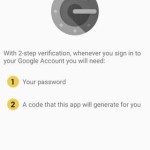
兩步認證是網絡安全的重要一步,登入網上帳戶除了 Login ID 和 Password 外,再配合一次性密碼可大幅增加保安程度,Google Authenticator App 是其中一個重要的兩步認證工具。

Google Authenticator App 推出了 v5.1 更新,是兩三年來首次推出更新,加入了一個期待以久的功能,就是容許 Google Authenticator 轉移 Transfer 至新裝置。購買了新電話裝置,就可以輕鬆將 Google Authenticator App 內設定的帳戶資料全部轉移至新電話內。

輕鬆轉移帳戶資料
先講下舊時麻煩的做法。過往 Google Authenticator 是沒有轉移功能,購買了新電話後,就要在新電話內 Google Authenticator App 重新設定每個帳號的 2-Step Verification 兩步認證。首先要逐一到每個網站登入,暫時 disable 兩步認證功能,跟住再次開啟兩步認證功能,在新電話內的 Google Authenticator App 做設定。

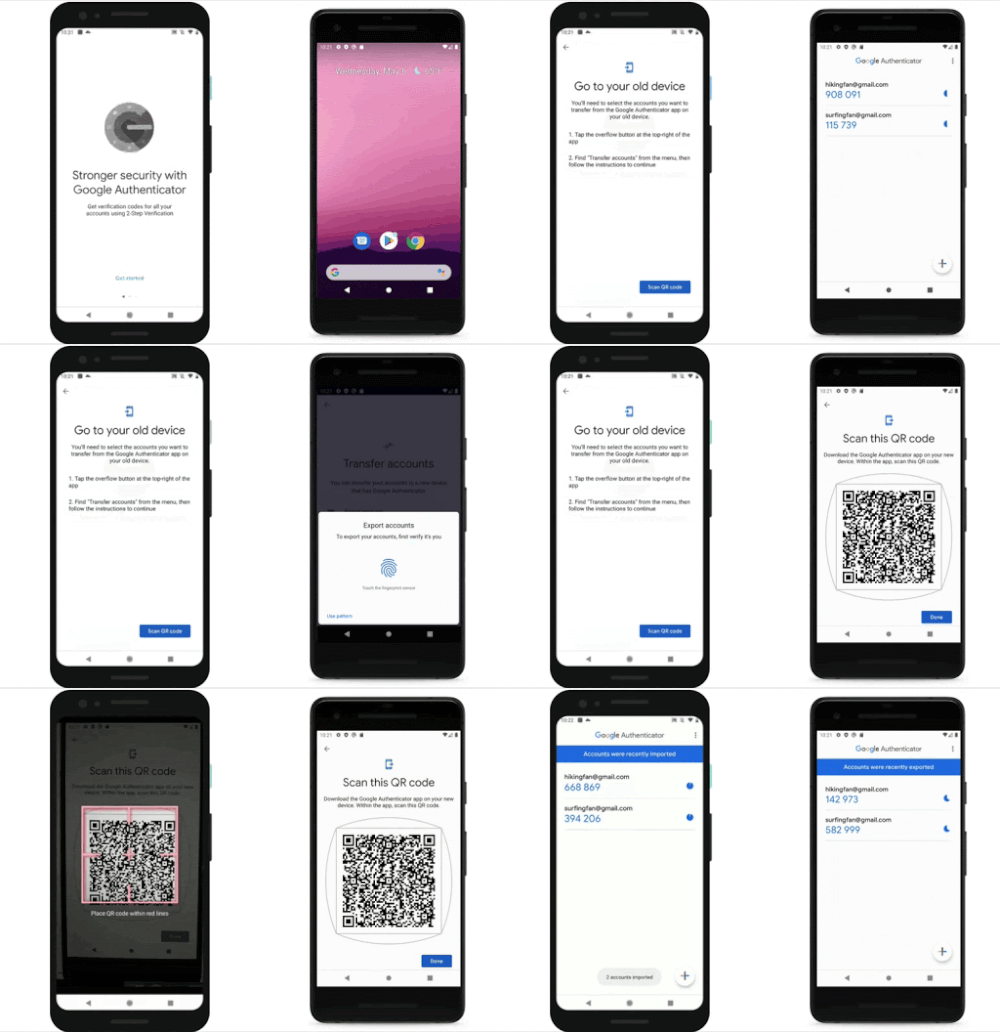
Google Authenticator App v5.1 新增了轉移功能,在新電話安裝 Google Authenticator App 首次使用時,可以選擇從舊電話匯入資料。在舊電話內 Google Authenticator App Menu 選擇 Transfer Account 就可以選擇要轉移的帳戶,跟住就會自動製作成一個 QR Code,在新電話掃描這個 QR Code 就完成。整個過程十分簡單,不用 Disable / Enable 兩步認證,只需按幾下就攪掂。
👉 延伸閱讀:  【限時免費】《Sound Meter & Noise Detector》分貝計 $0 元入手!

Google Authenticator

Google Authenticator App v5.1 已經在 Play Store 推出,Transfer Account 功能亦會陸續開放予用家使用,各位可以留意一下更新。

Google Play Store 連結

https://play.google.com/store/apps/details?id=com.google.android.apps.authenticator2

站長精選 你可能感興趣的 Android 密技:
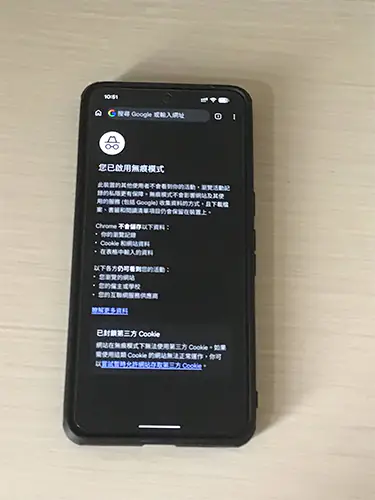
  • 【掌握隱私開關:2026 全方位無痕模式(私密瀏覽)操作與疑難排解指南 - 無論是為了保護隱私,還是想換回一般模式繼續記錄進度,掌握「無... ...

    [閱讀全文]

查看更多教學 →

相關文章 :

Google Authenticator AppGoogle Authenticator App 更新, 換上 Material Design Google Authenticator 4.74 IntroductionGoogle Authenticator App 更新, 加入 Dark Mode Google AuthenticatorGoogle Authenticator 推出帳戶同步功能 Google Authenticator App v7.0Google Authenticator App v7.0 更新 加多一層保障
分類:工具, 參考資料, 軟件 Apps
標籤:2-Step Verification, Google Authenticator, Google Authenticator 5.1, Google Authenticator App, Google Authenticator New Phone, Google Authenticator Transfer Account, Google Authenticator 新電話, Google Authenticator 轉移, 兩步認證, 新電話, 網絡安全

< 前一篇文章

Google Meet 正式開放, 可以免費使用了

後一篇文章 >

Google Lens 新增三項功能, 可複製文字至電腦

精選教學

Chrome 無痕模式 私密瀏覽

【掌握隱私開關:2026 全方位無痕模式(私密瀏覽)操作與疑難排解指南

開箱/評測/Hands On 影片

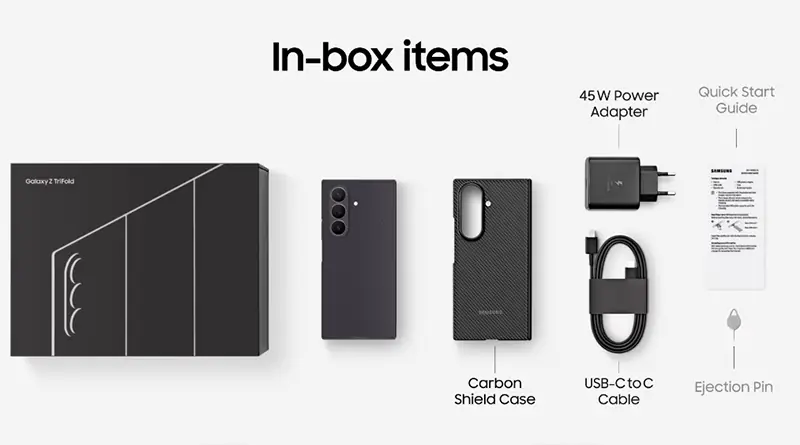
Samsung Galaxy Z TriFold 開箱配件

Samsung Galaxy Z TriFold 開箱影片

Pixel Watch 4 拆解

Pixel Watch 4 拆解報告出爐!iFixit 盛讚設計典範

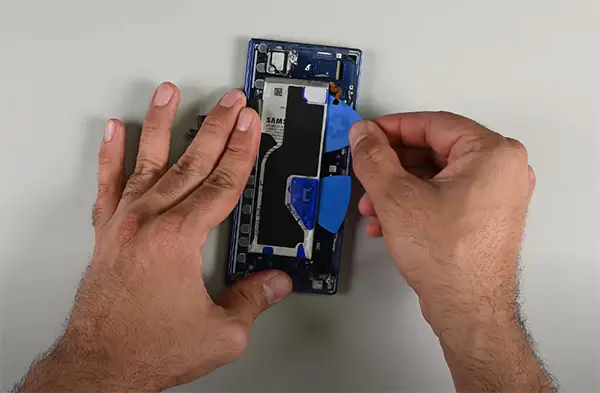
Galaxy Z Fold 7 拆解

Galaxy Z Fold 7 拆解報告出爐!iFixit 給出低分評價:輕薄設計犧牲維修便利性

APPS 介紹

Google Drive Scanning

【效率神器】Google Drive 雲端硬碟內置「掃描功能」大升級

Gemini Thinking Level

【能力再進化】Gemini App 更新:全新「擴展思考」模式與第三方生態圈強勢擴張

ChatGPT 信任聯絡人

OpenAI 推出 ChatGPT「信任聯絡人」功能:遇心理危機主動通報親友!

繁體中文 简体中文
© 2026 Android-APK.com